

I wasn’t looking for productivity hacks.
My setup was already working. Not perfectly, but well enough that I didn’t feel the need to change anything. A couple of tools I used daily, a few shortcuts, and a routine I had gotten comfortable with.
Then one random afternoon, I fell into a Reddit rabbit hole. No plan. No intention. Just curiosity. That curiosity turned into testing tools I hadn’t heard of before. Some felt unnecessary. A few were frustrating within minutes. But a handful stayed longer than expected.
Three months later, those same tools are now part of how I work every single day — not because they’re trending, but because they removed friction I didn’t even realize was slowing me down.
Why Most AI Tool Lists Feel Useless (And What I Did Differently)
Most articles on this topic list 20 to 30 tools and call it value. However, more options don’t always mean better decisions. Scrolling through a long list doesn’t help when you actually need something that works in real situations.
Where Most Lists Go Wrong
The real question isn’t how many tools exist.
What matters is simple:
- Does it solve a real problem?
- Does it save time consistently?
- Does it actually work outside of demos?
The Real Cost of Repetitive Work
There’s also something people rarely talk about.
According to productivity research, professionals spend 20–30% of their time on repetitive tasks like note-taking, formatting, searching, and organizing. That’s almost one full workday every week.
Even more importantly, McKinsey estimates that up to 30% of tasks across industries can already be automated using AI.
A Harvard Business Review analysis also highlights how automation is shifting the nature of work rather than simply replacing jobs
A 2025 productivity study also suggests professionals lose around 6–8 hours per week on manual work that tools could handle.
This shift toward smarter tools isn’t happening in isolation. In fact, it connects directly with what’s happening in the broader job market. As automation becomes more practical, many traditional roles are already evolving. I recently broke this down in detail while analyzing the hiring slowdown in the U.S.
So instead of asking which AI tools are popular, the better question becomes:
– Which tools actually give that time back?
1. The Tool That Made AI Feel Reliable Again
Google NotebookLM

One of the biggest frustrations I had with AI tools before this was confidence without accuracy. They sound right — even when they’re completely wrong.
I once asked a popular chatbot about a specific research topic and received three source citations that simply didn’t exist. The AI invented them and presented them with total certainty. That kind of thing breaks trust fast.
NotebookLM works differently, and the difference genuinely matters. Instead of pulling answers from across the internet, it only works from the documents you upload. PDFs, Google Docs, research papers, articles — whatever you give it becomes its entire knowledge base.
Every answer it gives you is grounded in your actual source material, not a best guess from somewhere on the web.
What surprised me most about the accuracy
When I tested it with a long research report, it didn’t just give answers — it pointed me to the exact paragraph and section those answers came from. That citation system changes how much you trust the output. You’re not hoping the AI got it right. You can verify it yourself in three seconds. For anyone who has been burned by AI hallucinations before, that reliability feels almost too good to be true.
The Audio Overview feature took things further. Select your uploaded documents, hit generate, and NotebookLM produces a natural podcast-style conversation between two AI hosts discussing the key ideas in your material.
I used it on a 50-page industry report during my morning walk — something I would have completely avoided reading otherwise. That’s not a gimmick. That’s a genuinely useful change in how you process information.
Where it falls short: The interface looks quite plain compared to most modern tools. It doesn’t feel polished or visually exciting. For a Google product, the design is surprisingly basic. That said, the functionality more than compensates for the underwhelming aesthetics.
Honest Opinion
NotebookLM is the most underrated free tool I’ve come across in years. The zero-hallucination approach is something every AI tool should be doing. The Audio Overview feature alone is worth bookmarking this tool. If you regularly work with documents, research, or heavy study material — start here before anything else. My rating: 9/10.
Who should use it
- Students
- Researchers
- Professionals working with documents
2. Presentations Became Less of a Task
Gamma

I’ll be honest — I was deeply skeptical about this one. I’ve seen too many “AI presentation tools” that produce slides stuffed with generic stock photos, boring bullet lists, and layouts that look like a template from 2014. Gamma is genuinely different, and I say that as someone who tested it with a real presentation I actually needed to deliver.
Type in a topic, paste in some rough notes, choose a visual style, and Gamma generates a full structured deck in under two minutes.
The first time I tried it, I got a 12-slide presentation with consistent design, relevant visuals, logical flow, and content that actually made sense in context. I edited two slides, changed one heading, and presented it the same day. The person I presented to asked who designed it for me
. That was the moment I became a proper Gamma convert.
What makes Gamma different from other slide tools
The editing experience is clean and intuitive. Rearranging sections, swapping images, adjusting colors, and rewriting any text all happen inside a simple drag-and-drop interface. Exporting to PowerPoint is one click, which means Gamma fits naturally into any existing workflow without forcing you to change how you operate.
For teachers building lesson slides, founders preparing investor decks, or sales professionals creating client presentations — the time savings are immediate and obvious from the first use.
Where it falls short: Gamma sometimes puts too much text on a single slide, and the free plan’s 400 credits run down faster than you’d expect if you generate multiple versions of the same deck. For very specific brand-guidelines work, a designer is still the better choice.
Honest Opinion
If you dread making presentations — and most people do — Gamma will feel like genuine relief. The output quality surprised me every time I used it. It doesn’t look like AI made it, which is exactly the point. The free plan is enough to evaluate it properly. My rating: 8.5/10.
Who should use it
- Students
- Founders
- Professionals
3. The First AI Voice That Felt Real
ElevenLabs

Text-to-speech tools have been around for years, and they’ve always had the same problem — that flat, mechanical quality that makes listeners mentally check out within thirty seconds. ElevenLabs is a completely different category of product.
The first voiceover I generated was a short two-minute script for a piece of content I was working on. When I played it back, I genuinely had to pause and confirm I hadn’t accidentally hit record on myself. The pauses, the tonal variation, the natural pacing between sentences — it sounded like a real person reading with intention.
Content creators benefit most directly from this. Producing a YouTube voiceover, a podcast introduction, or a course narration no longer requires booking studio time, managing recording equipment, or spending hours fixing audio quality issues.
Type the script, choose a voice style, and download a professional-quality audio file in under a minute. The voice cloning feature — where you upload a short sample of your own voice and the tool replicates it — works well enough that it genuinely feels a little eerie the first time you hear it back.
Practical use cases beyond content creation
Beyond individual creators, businesses use ElevenLabs to power customer support voice assistants that handle calls naturally without sounding robotic. Educators create narrated learning materials for students who absorb audio more effectively than text.
Audiobook creators who previously needed to hire voice actors for every project can now scale audio production independently. The thirty-plus language support also makes it practical for teams creating multilingual content without running separate recording sessions for each language.
Where it falls short: The free tier provides 10,000 characters per month, which runs out faster than expected for regular content production. The $5/month starter plan resolves this, but the jump from free to paid is something to know before you build it into your workflow.
Honest Opinion
ElevenLabs is the tool I recommend most enthusiastically to anyone who creates video or audio content. The quality gap between this and every other voice tool on the market is large and immediately obvious. Nothing else comes close at this price point. My rating: 9/10.
Who should use it
- Content creators
- Educators
- Freelancers
4. Meetings Finally Made Sense
Fireflies.ai

Before Fireflies, my meeting notes looked like chaos — half-sentences, arrows pointing to nothing, abbreviations I couldn’t decode two days later. I’d walk out of a 45-minute call with a rough sense of what was discussed and spend another 20 minutes the next morning trying to reconstruct it from memory and incomplete scribbles. The decisions were there somewhere.
The action items existed in theory. But actually finding them later was its own separate problem.
Fireflies solved this in the simplest possible way. It joins your call automatically — Zoom, Google Meet, Microsoft Teams, whatever you use — and transcribes every word in real time, labeling each speaker by name. By the time the meeting ends, a structured summary lands in your inbox.
Key decisions pulled out. Action items listed. Follow-up questions noted. You don’t have to write a single word during the meeting itself.
The search feature that changed how I use past meetings
The cross-meeting search capability is where Fireflies genuinely separates itself from simple transcription tools. Three weeks after a client call where a very specific requirement was mentioned, I typed two keywords into Fireflies and found the exact timestamp in that recording within seconds. That kind of searchable meeting memory has saved me from multiple awkward “I can’t remember what we agreed” conversations with clients and collaborators.
For anyone who attends multiple calls per week, that institutional memory becomes valuable very quickly.
Where it falls short: Fast-moving conversations with multiple people talking over each other can confuse the AI summary. The transcript remains accurate in most cases, but the generated summary occasionally misses nuanced context from rapid back-and-forth exchanges. Worth a quick review before sharing summaries externally.
Honest Opinion
Fireflies is the tool I wish I had found two years earlier. The free plan offers unlimited transcription — that level of generosity is remarkable for a productivity tool of this quality. The cross-meeting search alone justifies using it permanently. My rating: 9/10.
Who should use it
- Professionals
- Teams
- Freelancers
5. Video Editing Became Simple
Descript
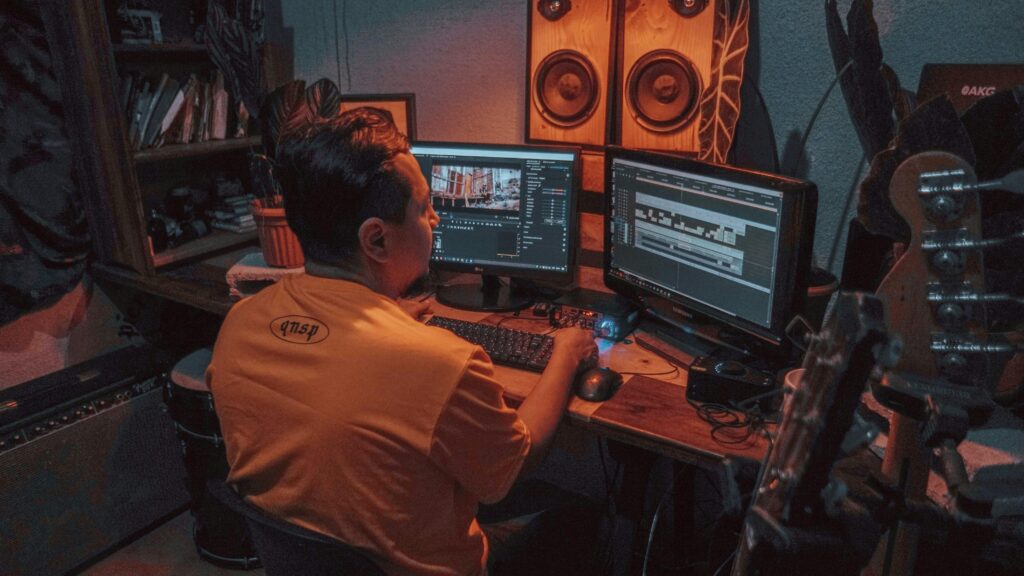
I want to be clear about my starting point with this one: I am not a video editor. Traditional video editing software has always made me feel like I needed a separate tutorial just to trim a three-minute clip. Timelines, keyframes, audio tracks — the whole visual language of conventional editing software never clicked for me.
Descript removed all of that friction with an approach that should have existed years ago.
Upload your video, wait for the AI to transcribe it automatically, and then edit the recording by editing the text below it. Delete a sentence from the transcript and that moment disappears from the video. Rearrange paragraphs and the clips rearrange to match.
The first time this works it feels almost absurd — like editing should always have been this simple. For anyone who creates talking-head video, interviews, explainers, or course recordings, the accessibility change is significant.
The filler word removal that saves 45 minutes of scrubbing
Descript’s filler word removal deserves its own mention because the time savings are genuinely dramatic. One click removes every “um,” “uh,” “you know,” and extended pause from an entire recording.
What previously required 45 minutes of careful manual scrubbing through audio now takes three seconds. For podcasters and video creators who publish regularly, that time saving compounds quickly into hours recovered each month. The Overdub feature — which lets you type a correction and inserts it using your cloned voice — solves the re-recording problem that every spoken content creator knows well.
Where it falls short: Transcription accuracy drops noticeably with heavy accents, significant background noise, or multiple overlapping speakers. For clean, quiet solo recordings the accuracy is excellent. For messy real-world audio, expect to spend some time on manual transcript corrections before the editing approach works as smoothly as advertised.
Honest Opinion
Descript changed how I feel about video content creation. The text-based editing concept is one of those rare ideas that makes total sense the moment you experience it. The filler word removal alone is worth trying. My one caution is the transcription accuracy in noisy conditions — know that going in. My rating: 8/10.
Who should use it
- YouTubers
- Podcasters
- Beginners
6. The Unexpected One That Helped More Than Expected
Goblin Tools

Goblin Tools doesn’t look impressive. The interface is plain. The name is unusual. Nothing about it signals “this will change how you work.” But it solves something very real that almost no other productivity tool acknowledges directly: the paralysis that comes from staring at a vague, large task and not knowing where to begin.
The tool was originally built for neurodivergent users who struggle with task initiation. But after using it for a few weeks, I’d argue it provides genuine value to anyone who has ever sat in front of a to-do list feeling stuck rather than productive. Type in any task — “prepare the client proposal,” “reorganize the home office,” “write the quarterly report” — and Goblin Tools breaks it into specific, sequenced, actionable steps with realistic time estimates attached to each one.
The chili pepper system and tone rewriter
The level of detail in the task breakdown adjusts using a chili pepper scale. Fewer chilis means broad, high-level steps. More chilis means granular micro-instructions for when you’re deeply stuck and need every action spelled out explicitly. Choosing the right level for your current mental state sounds minor, but in practice it makes a meaningful difference in whether the breakdown actually helps you start.
The tone rewriter feature is a quiet bonus — paste in a message that feels too aggressive or too uncertain, tell it what tone you want, and it rewrites the whole thing. For anyone who overthinks professional communication, that feature alone is worth the zero cost of using the tool.
Where it falls short: Goblin Tools works best for task planning and communication. It doesn’t integrate with calendars, project management tools, or any external apps. The experience is entirely self-contained, which means you still need to manually move the steps it generates into whatever system you actually track work in.
Honest Opinion
Goblin Tools is the most unexpectedly useful tool on this entire list. It doesn’t look like much. But what it does for your ability to start on an overwhelming task is genuinely valuable — and the fact that it’s completely free, with no account required, makes it an instant recommendation. My rating: 8.5/10.
Who should use it
- Students
- Freelancers
- Anyone who struggles to start tasks
7. The Only Image Tool That Got Text Right
Ideogram
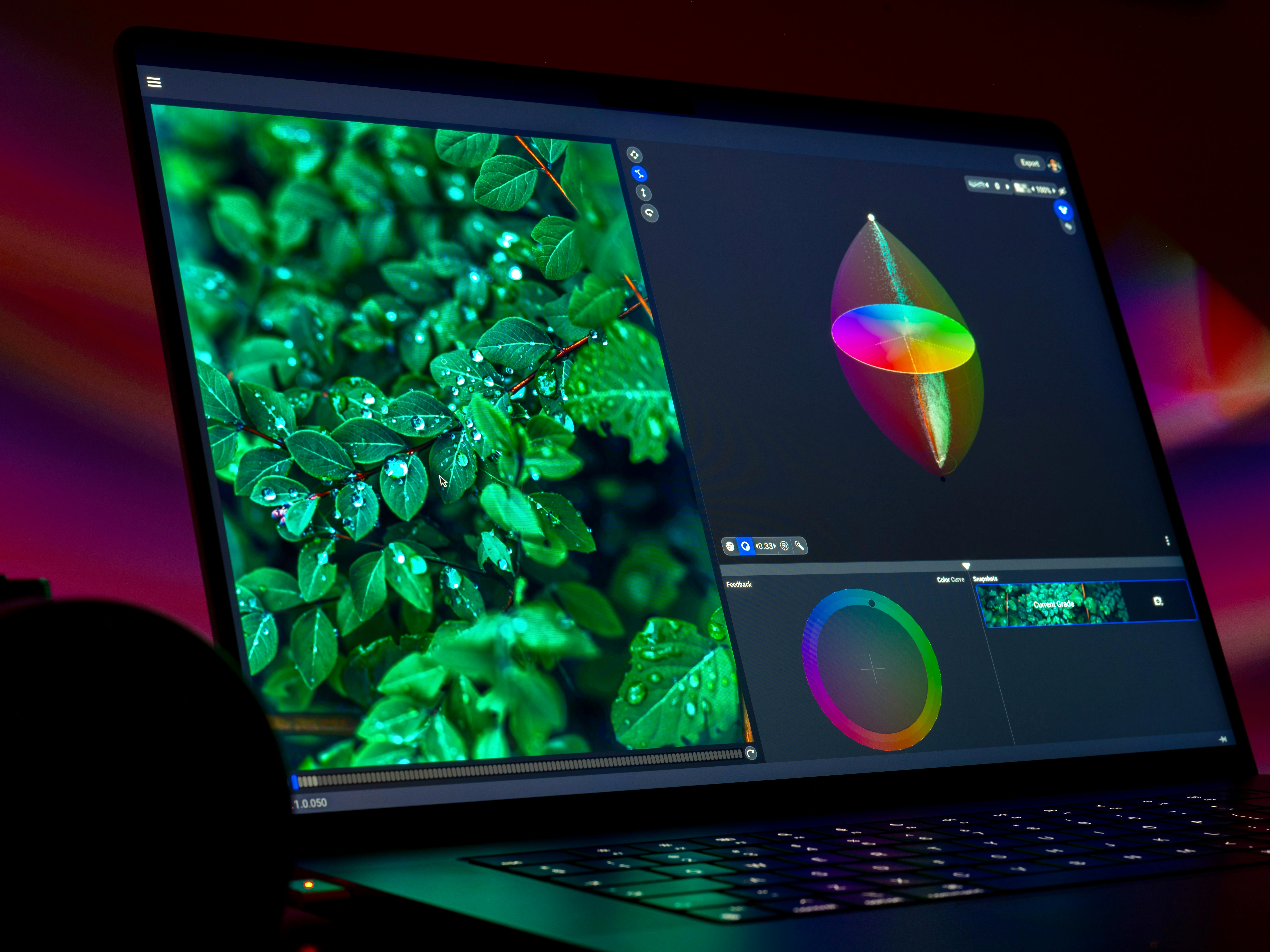
My frustration with AI image generators reached a specific breaking point when I needed a simple quote graphic with three words on it.
I asked three popular tools to generate it. All three produced images where the text looked like words from a distance but was complete gibberish up close — wrong letters, random symbols, characters from different alphabets blended together.
I gave up and rebuilt it manually in Canva. Then I discovered Ideogram.
The difference is stark and immediately obvious.
Ideogram generates images where the text is sharp, accurately spelled, consistently formatted, and properly placed within the design — every single time. For quote graphics, promotional banners, event announcements, social media images, and any other visual where the words are part of the design itself, Ideogram does what every other AI image tool claims to do but genuinely delivers on. My first test took two minutes and produced an image I used immediately without any manual editing.
How Ideogram compares to the more famous options
Midjourney still produces more cinematic, artistically rich imagery for pure visual generation without text. DALL-E handles photorealistic scenes effectively. Ideogram wins specifically and consistently when your design needs readable words, labels, signs, captions, or typography as a core visual element.
That specific capability covers a surprisingly wide range of everyday use cases for social media managers, small business owners, content creators, and marketers. The free daily credits are enough for casual users to create the graphics they need without paying anything.
Where it falls short: For purely artistic visuals without text, the output quality doesn’t match Midjourney’s level of creative richness. Ideogram’s superpower is text accuracy — outside that specific strength, it’s a solid but not exceptional image generator.
Honest Opinion
Ideogram solved a problem I had quietly accepted as unsolvable with AI tools. The text rendering accuracy it delivers consistently is something no other image generator I’ve tested can match. For social media graphics and marketing visuals with words in them, it’s the only tool I reach for now. My rating: 8.5/10.
Who should use it
- social media managers
- educators
- small business owners
- Anyone who struggles to start tasks
Quick Comparison at a Glance
| Tool | Best For | Free Plan | My Rating | Real Value |
|---|---|---|---|---|
| NotebookLM | Research & documents | Yes | 9/10 | Accuracy |
| Gamma | Presentations | Yes | 8.5/10 | Speed |
| ElevenLabs | Voice & audio | Yes | 9/10 | Realism |
| Fireflies | Meeting memory | Yes | 9/10 | Automation |
| Descript | Video editing | Yes | 8/10 | Simplicity |
| Goblin Tools | Task planning | Yes | 8.5/10 | Clarity |
| Ideogram | Social graphics | Yes | 8.5/10 | Text accuracy |
Where You Should Actually Start
Don’t try everything at once. That’s the mistake most people make after reading a list like this — they open five new tabs, create five new accounts, and then use none of them properly because the cognitive overhead becomes its own problem.
Pick one tool based on your single biggest daily frustration. Use it consistently for two weeks. Let it become a habit before you add the next one. That incremental approach consistently produces better results than trying to overhaul your entire workflow in a single afternoon.
| If meetings exhaust you | Start with Fireflies |
| If research overwhelms you | Start with NotebookLM |
| If you create content | ElevenLabs or Descript |
| If tasks paralyze you | Start with Goblin Tools |
| If you dread presentations | Open Gamma right now |
| If you make social graphics | Switch to Ideogram |
A Quick Reality Check
No tool will fix everything. That’s not how this works, and I’d be doing you a disservice pretending otherwise. Each of these tools removes one specific type of daily friction. They don’t replace strategic thinking, creative judgment, or the human decisions that actually matter in your work. They handle the mechanical parts so you can focus more energy on the parts only you can do.
The World Economic Forum reports that AI will reshape millions of jobs globally, creating new roles while transforming existing ones.
Saving five to seven hours per week adds up to more than 250 hours per year. That’s not a small number. That’s more than six full 40-hour work weeks, returned to you across twelve months — for tools that are mostly free. That’s the actual case for using them.
According to McKinsey, up to 30% of work activities could be automated using existing AI technologies.
For deeper research on how AI is reshaping professional productivity, the McKinsey report on generative AI’s economic potential is worth reading in full.
A Final Word from Me — Vishal
I didn’t go looking for any of these tools. That’s what makes this list feel different to me than most things I’ve written about productivity.
Every tool here found me through curiosity — a Reddit comment, a passing mention in a newsletter, a recommendation from someone who had no reason to oversell it. And each one earned its place in my daily routine through consistent, genuine usefulness. Not because of a polished marketing video or a trending tweet. Because it worked, quietly, in real conditions, on actual work.
What all seven have in common is focus. Each one does one thing extremely well and doesn’t try to be everything. That narrow focus is what separates a tool you use once from one you reach for every single day without thinking about it.
Even saving three to four hours a week from this list — which feels conservative based on my experience — adds up to over 150 hours returned to you across a year. Time for the things that actually matter. Not time lost to repetitive mechanical work that a well-built tool can handle just as well.
Pick one. Try it on something real this week. See what happens. I’d genuinely like to know which one makes the difference for you.
If you’re trying to understand how AI tools like these fit into the bigger picture, it also helps to look at how work itself is changing. I’ve covered this from a different angle in another post on shifting work trends and economic pressure in the U.S., which adds useful context to everything discussed here.
Frequently Asked Questions
Are these tools safe to use with personal and work documents?
For general personal and professional use, all seven tools are legitimate, established platforms with published privacy policies. That said, I’d recommend against uploading sensitive financial documents, legal contracts with confidential clauses, or anything containing passwords or personal identification into any cloud-based AI tool without reviewing how that specific platform handles data storage and retention. Most of these tools offer enterprise plans with stronger privacy guarantees if you handle highly sensitive material regularly.
Do I need any technical background to use these tools?
No technical skills are required for any of the tools on this list. Every one of them was designed specifically for non-technical users. Goblin Tools doesn’t even require creating an account — you open it and type. NotebookLM works like uploading a file to Google Drive. Gamma works like describing what you want to a colleague. If you can type a sentence and click a button, you can use all seven of these tools effectively from day one.
Are the free plans actually useful, or do they push you toward paid immediately?
For most everyday users, the free tiers are genuinely useful and not just teaser access. NotebookLM and Goblin Tools are completely free with no paid upsell at all. Fireflies offers unlimited transcription on its free plan, which is remarkable generosity for a tool of this quality. Gamma’s 400 free credits cover roughly 40 full presentation decks. ElevenLabs’ 10,000 free characters per month is enough for casual audio creation. The tools that will push you toward paid most quickly are ElevenLabs and Descript if you produce content at any significant volume.
Which tool from this list do you personally use most?
Fireflies and NotebookLM are the two I use almost every single day at this point. Fireflies handles all my meeting documentation automatically without me lifting a finger, and NotebookLM is my first stop whenever I need to work through a complex document or research topic reliably. ElevenLabs comes in as a close third whenever I’m producing any kind of audio content for a project.
Will these underrated tools eventually become as popular as ChatGPT?
Some of them are already growing significantly. Fireflies and ElevenLabs both have substantial and rapidly expanding user bases in their respective categories. The tools on this list are “underrated” in the sense that they don’t dominate general conversation the way ChatGPT does — but within the specific communities that use them regularly (podcasters, researchers, meeting-heavy professionals), they’re often considered essential. Wider mainstream awareness will likely catch up over the next year or two.
Thank you for visiting usaconcern.com and taking the time to read our content. Your visit truly matters to us. Stay alert and stay informed, because an informed voice can help shape a better future.
Feel free to leave a comment below with your thoughts!!


Hey, I’m Vishal Srivastava — the person behind USAConcern.com. I started this site because I genuinely believe there are conversations happening in America that deserve more honest, human coverage. I write about health, mental wellness, lifestyle, and the cultural shifts shaping everyday American life, as I come from a strong background in artificial intelligence and engineering, combined with certified knowledge in mental wellness and fitness. My goal is to bridge the gap between technology and human well-being. I believe true success comes from a balance of a sharp mind, a healthy body, and smart use of technology. Through my work, I aim to provide practical solutions that improve both performance and lifestyle. Thanks for reading—your journey to a better mind, body, and life starts here.
Appreciate the effort you put into this.